Training models
You can train new models in BioFEFI by clicking on “Train Models” on the left hand side of the screen.
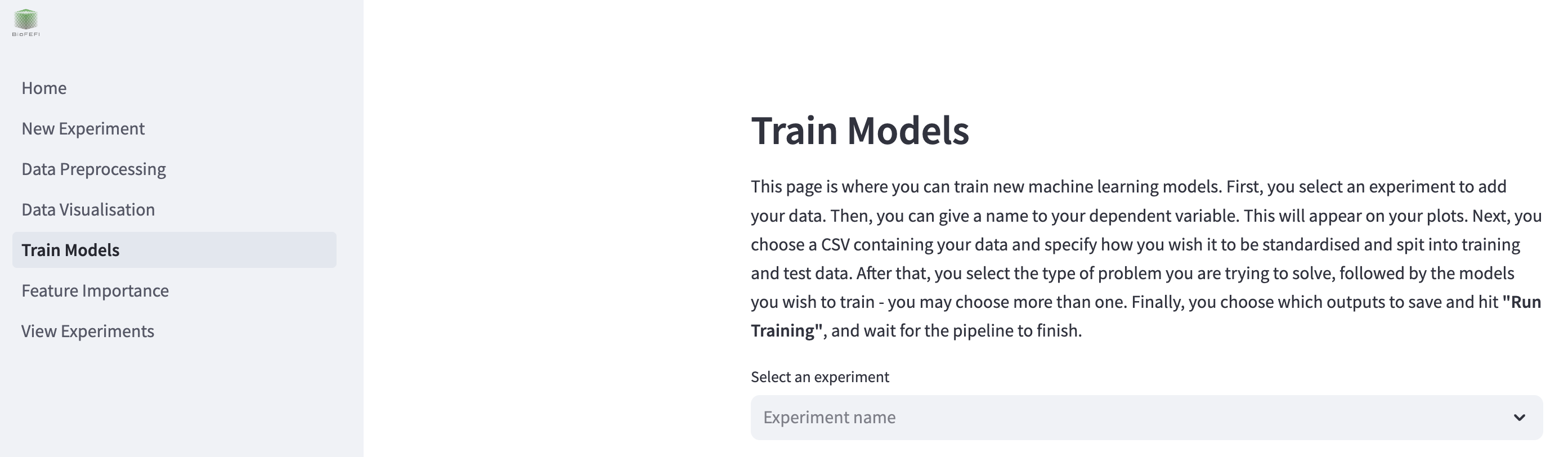
To begin, select your experiment from the dropdown menu where it says “Select an experiment”.
Selecting models to train
To select which models you wish to train, click the toggles next to the model type you wish to train. When you click a toggle, that model’s configurable hyper-parameters will appear underneath that toggle. You may train more than one model at a time.
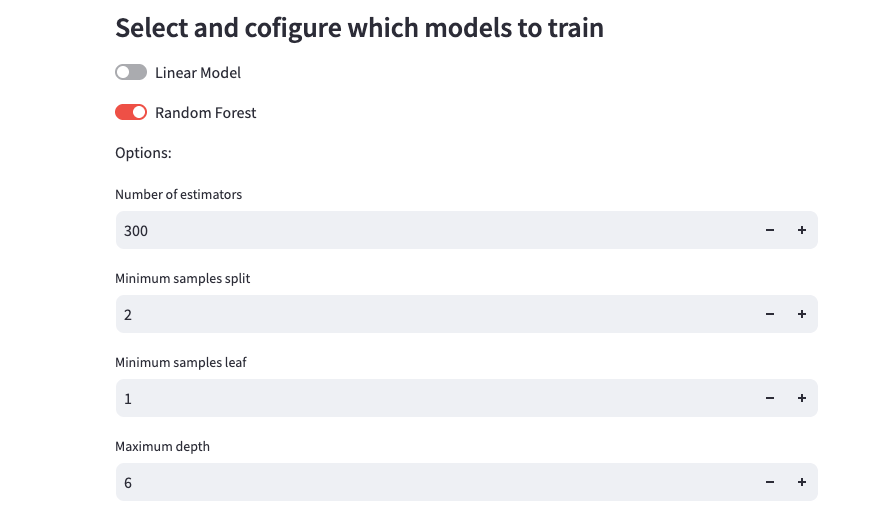
Depending on whether your problem type, which was configured on the New Experiment page, the models will either be a classifier or a regressor.
Options
When using automatic hyper-parameter search, you will not be able to set any of these options. They will be determined automatically.
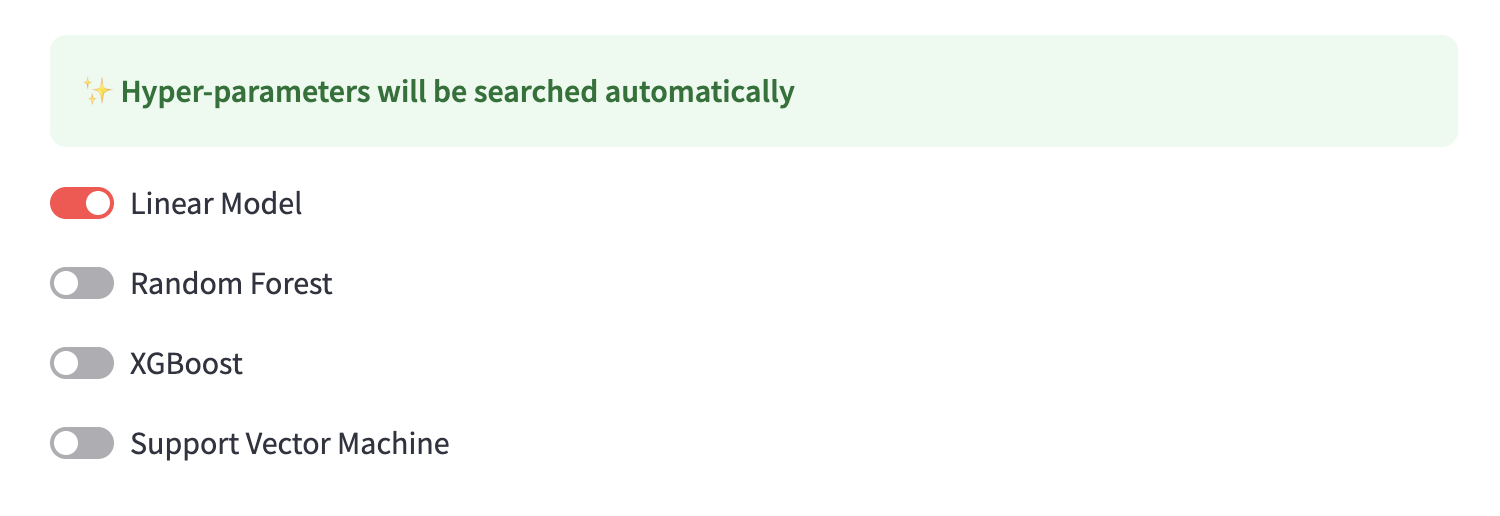
Linear Model
If the problem type is “Classification”, train a Logistic Regression model. If the problem type is “Regression”, train a Linear Regression model.
Fit intercept: if true, the model will calculate the y-intercept to use in the predictions. If not, the data must be centered.
Random Forest
If the problem type is “Classification”, train a Random Forest Classifier model. If the problem type is “Regression”, train a Random Forest Regressor model.
Number of estimators: The number of decision trees in the forest.
Minimum samples split: The minimum number of samples to split an internal node.
Minimum samples leaf: The minimum number of samples required to be a leaf node.
Maximum depth: The maximum depth of the tree. If disabled or 0, then nodes are expanded until all leaves are pure or until all leaves contain less than ‘Minimum samples split’.,
XGBoost
If the problem type is “Classification”, train a XGB Classifier model. If the problem type is “Regression”, train a XGB Regressor model. The parameters for this model are all optional. To congiure them, check the “Set XGBoost options” box.
Number of estimators: The number of boosting rounds.
Learning rate: Boosting learning rate.
Subsample size: Subsample ratio of the training instance.
Maximum depth: The maximum depth of the base learners. If disabled or 0, then nodes are expanded until all leaves are pure.
Support Vector Machine
If the problem type is “Classification”, train a SVM Classifier model. If the problem type is “Regression”, train a SVM Regressor model.
Kernel: The kernel type for the algorithm.
Degree: The degree for the polynomial kernel - ignored if not using the polynomial kernel.
C: Regularisation parameter.
Saving the outputs
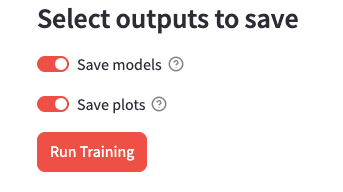
You have the option to save the models and the plots to disk. Click the toggles to turn on/off.
Train
Once you have configured which models to train, hit the “Run Training” button.