Feature importance
Not all features influence the output of a machine learning model’s predictions equally. Some features are more influential than others. It is important to analyse feature importance to understand your why your model makes its predictions. By measuring the importance of each feature it is possible to explain which has the greatest impact on your model’s predictions. This importance is expressed numerically and the interpretation can vary depending on the importance method used.
Once you have trained some models in your experiment, you can then perform feature importance analyses to assess which features more most influential in the models’ decision making. You can get to the Feature Importance page by clinking on Feature Importance on the left hand side of the page.
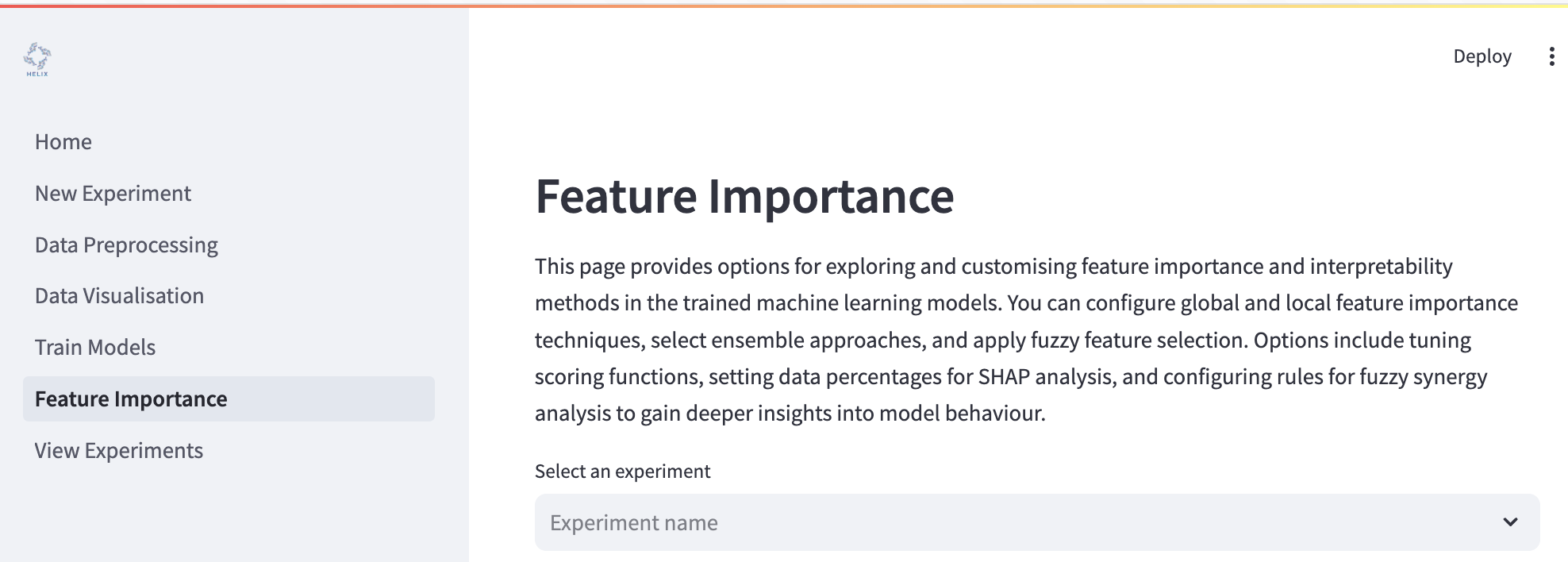
To begin explaining your models, you can click the “Explain all models” toggle and have all your models evaluated…
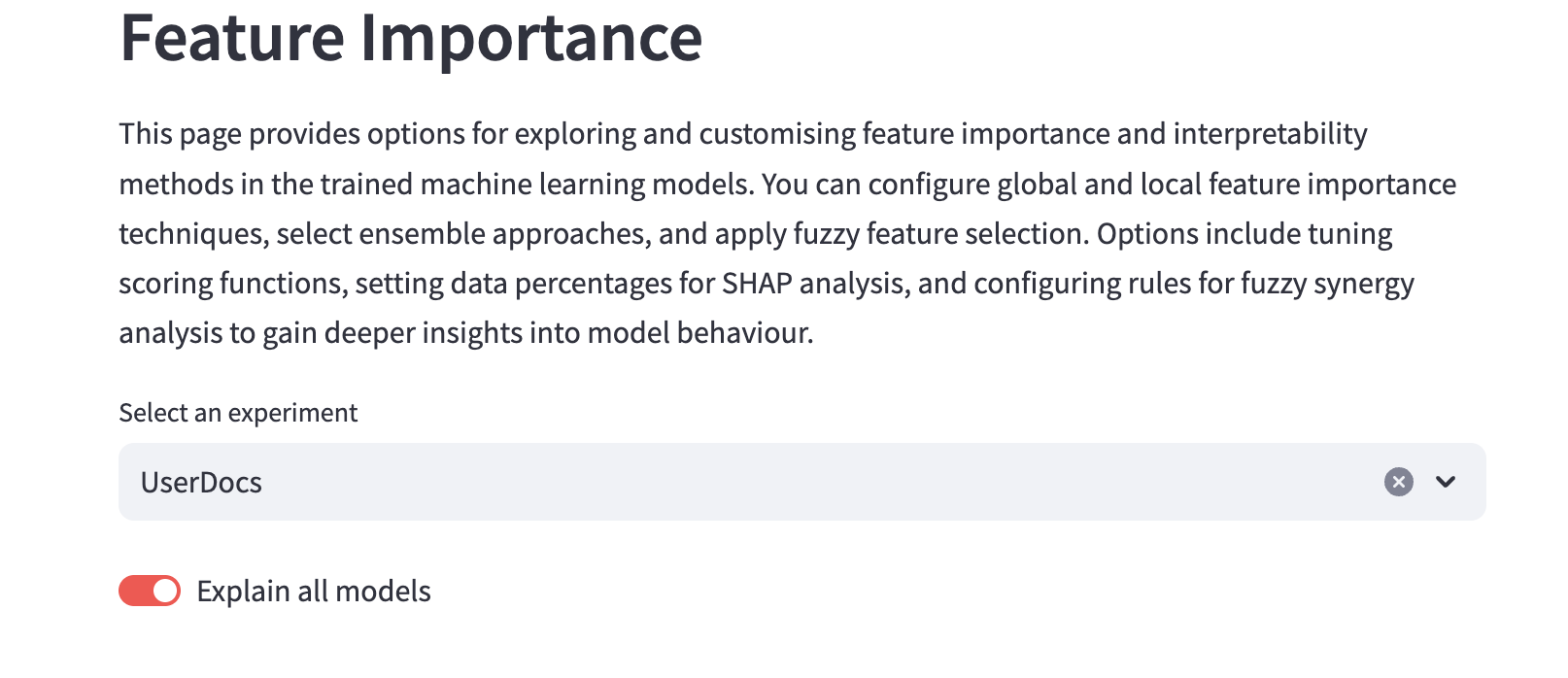
…or you can use the dropdown menu to select specific models to evaluate.
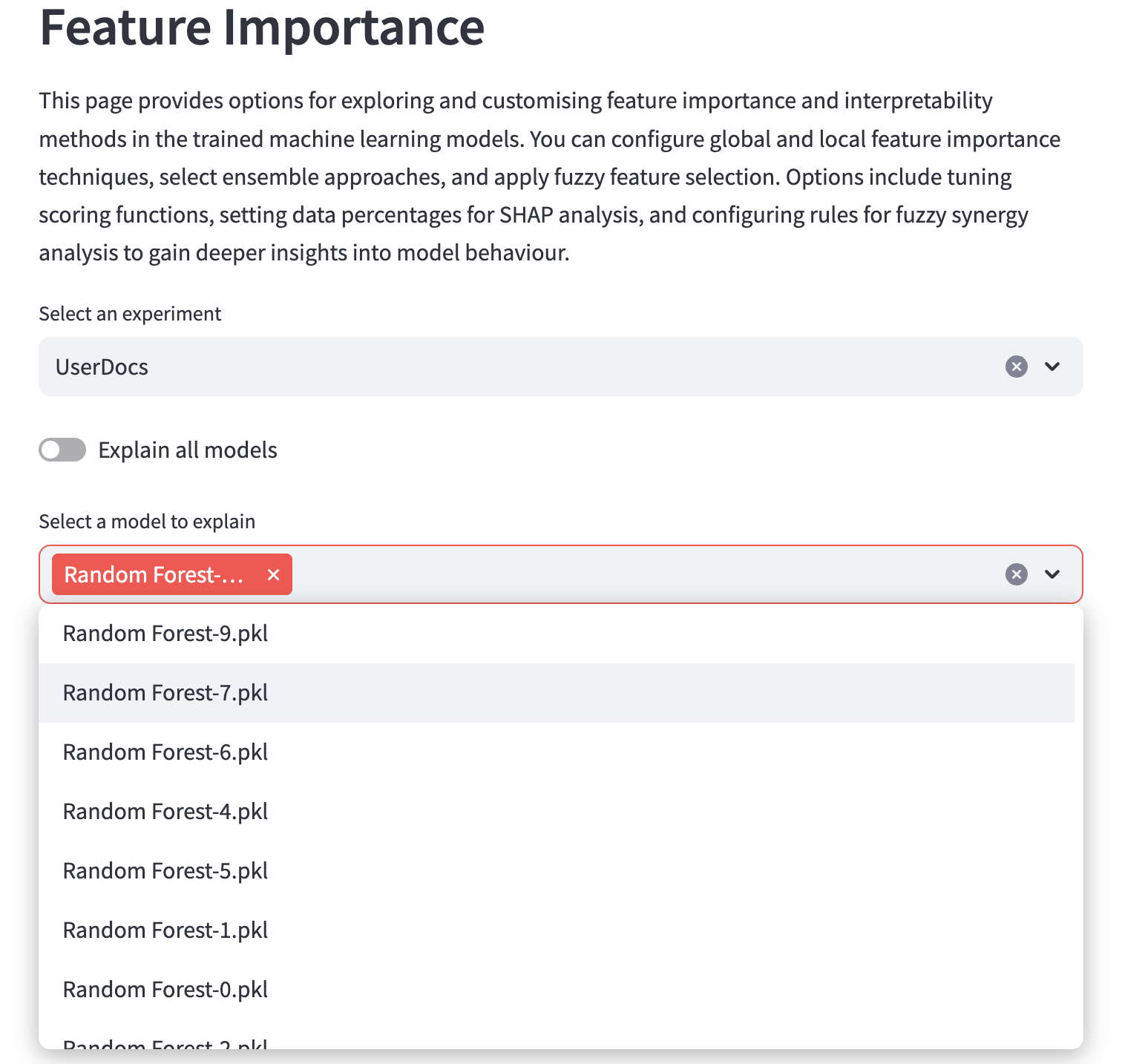
Global feature importance methods
These methods evaluate the influence of individual features overall on a model’s decisions. There are two methods available.

Ensemble feature importance methods
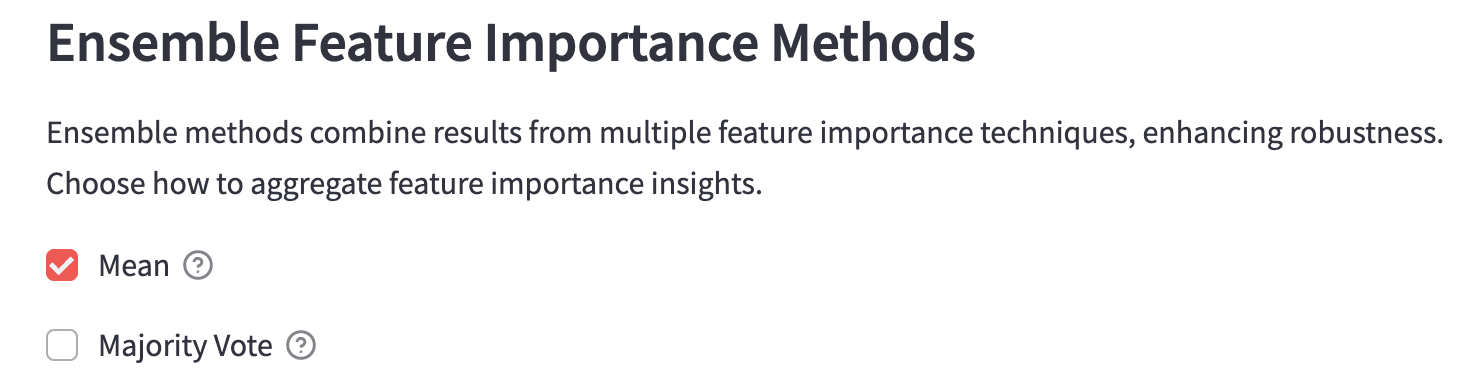
Ensemble methods combine results from multiple feature importance techniques, enhancing robustness. To use ensemble methods, you must configure at least one global importance method. There are two methods available.
Mean
Use the mean of importance estimates from the selected global methods.
Majority vote
Take the majority vote of importance estimates from the selected global methods.
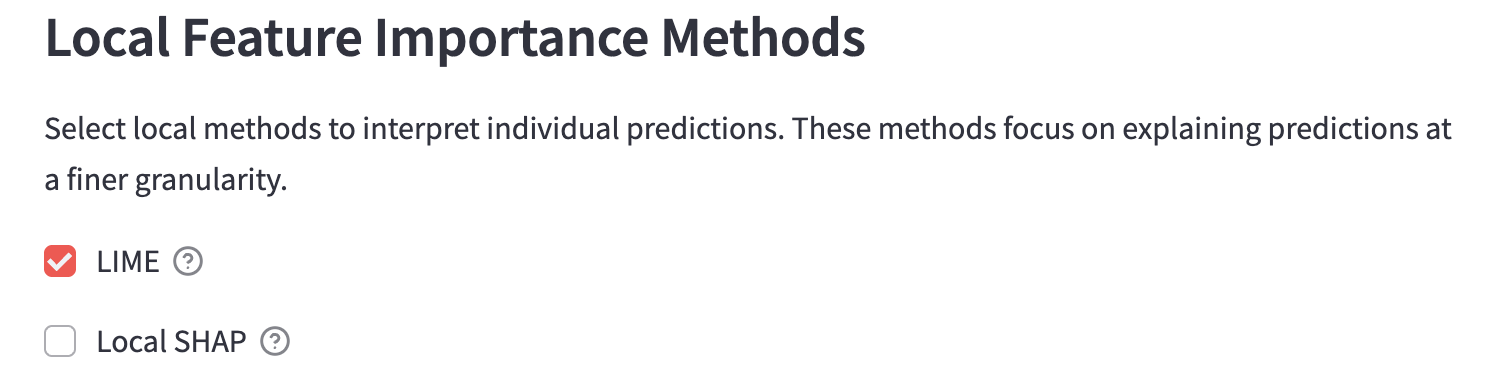
Local feature importance methods
These methods are used to interpret feature importance on a per prediction basis. You can see which features had the most influence - and in which direction - on each prediction. There are two methods available.
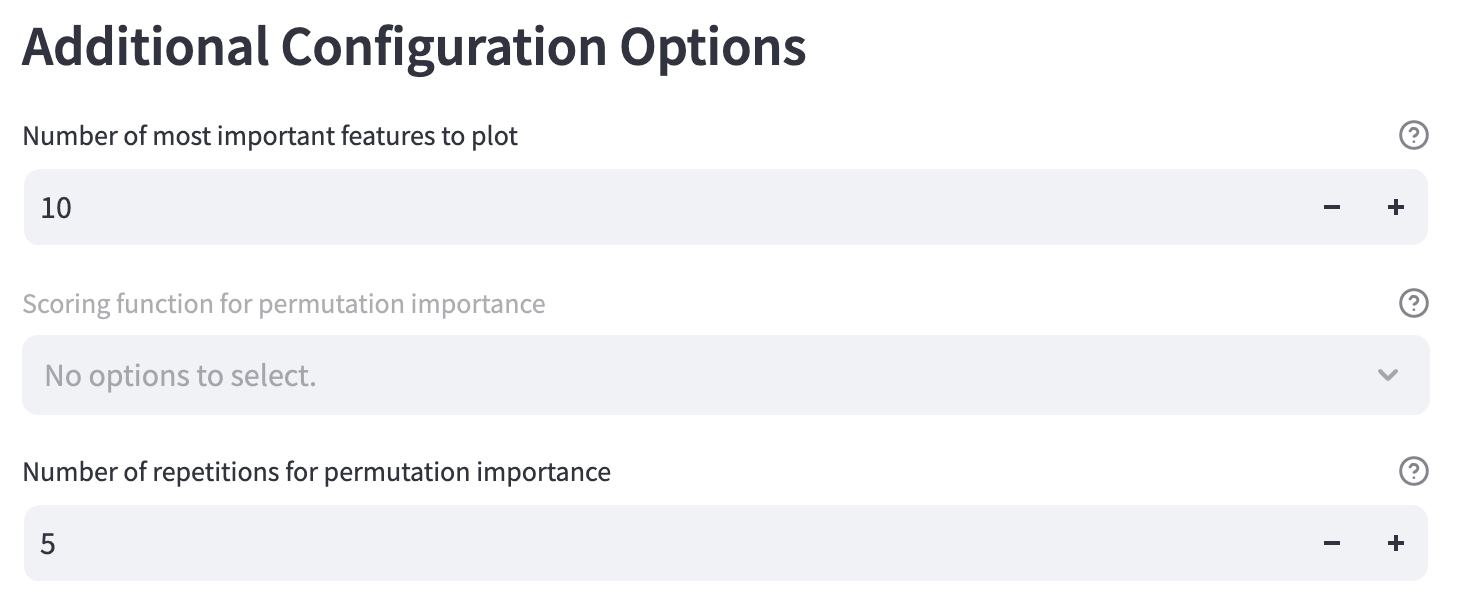
Additional configuration options
Number of most important features to plot
Change how many top features will be plotted.
Scoring function for permutative importance
Number of repetitions for permutation importance
The number of times to permute the features using permutative importance.
Fuzzy feature importance
Outputs of crisp feature importance methods, like those described above, can be dependent on the particular machine learning algorithm being used. Moreover, they are represented as “importance” coefficients that can be harder to interpret by users. Fuzzy feature importance aims to create a more standard interpretation that is independent of the algorithms used, and present it more semantically (i.e. Feature A has a large impact).
How fuzzy interpretation works
The top n features based on ensemble feature importance are selected from the data.
Features are split into different fuzzy sets that define “low”, “medium” or “high” importance, based on the following membership functions.
the Z membership function is used to determine membership of the “low” importance fuzzy set.
the triangular membership function is used to determine membership of the “medium” importance fuzzy set.
the S membership function is used to determine membership of the “high” importance fuzzy set.
Normalised local feature importance data is used to create user-defined granularities with respect to the target variable (e.g. very low, low, medium, high, very high attachment). Samples are assigned to each granularity using c-means clustering, where c is the number of user-defined granularities.
Then, the data within the granularities are assgined to fuzzy sets, giving a semantic description of “Feature A had a low impact on the target variable”, as an example.
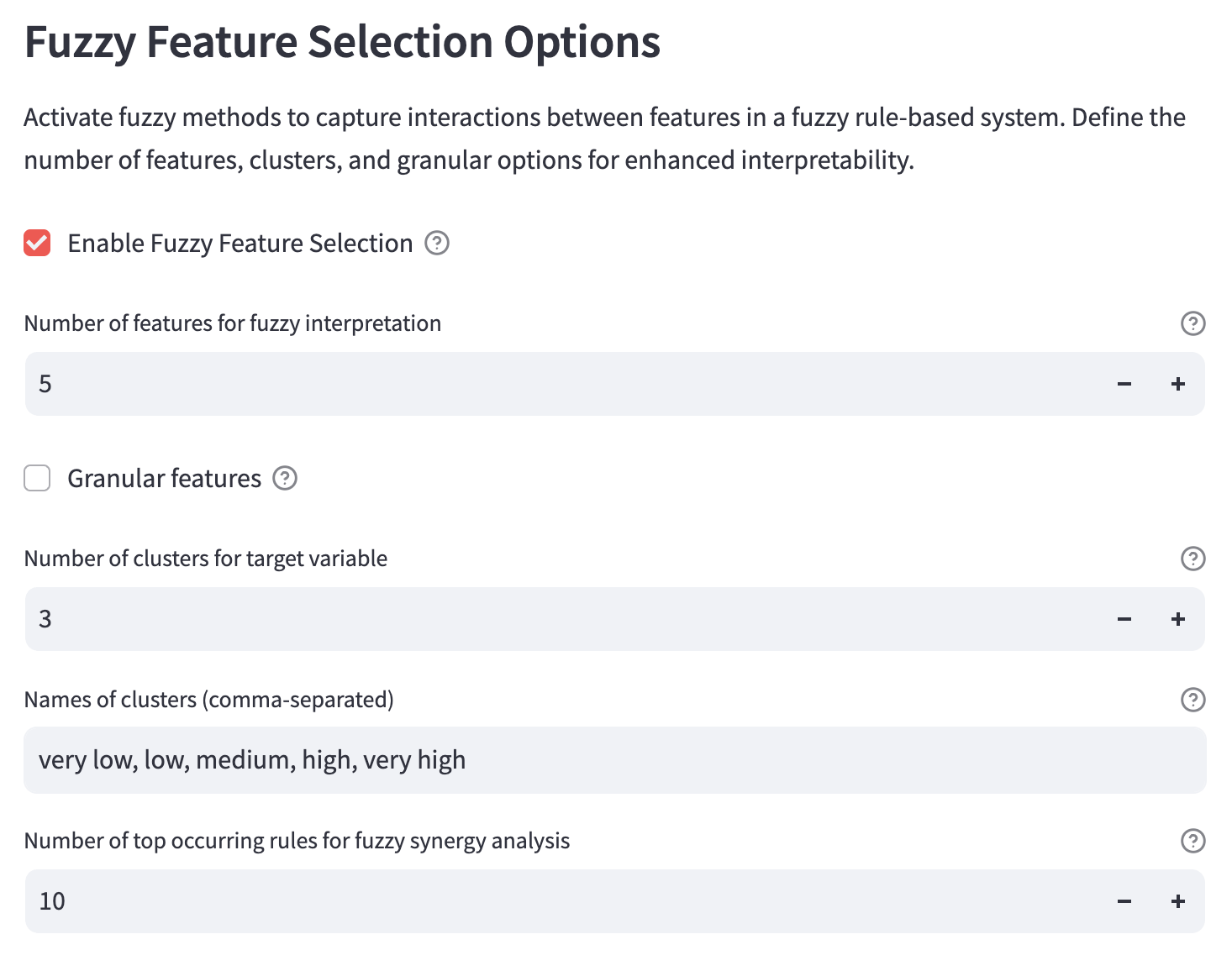
To use this feature, you must first configure ensemble and local feature importance methods.
Number of features for fuzzy interpretation
Select the top number of features to be used for fuzzy interpretation.
Fuzzy set analysis
Create fuzzy sets to determine which features have ‘low’, ‘medium’ or ‘hgih’ importance with respect to the target variable.
Number of clusters for target variable
Set the number of clusters to categorise the target variable for fuzzy interpretation.
Disabled in classification problems.
Names of clusters (comma-separated)
The list of names for the clusters. This should be the same length as number of clusters for target variable. The names should be separated by a comma followed by a single space. e.g. very low, low, medium, high, very high.
Disabled in classification problems.
Number of top occurring rules for fuzzy synergy analysis
Set the number of most frequent fuzzy rules for synergy analysis.
Select outputs to save
Save feature importance options
Save feature importance results
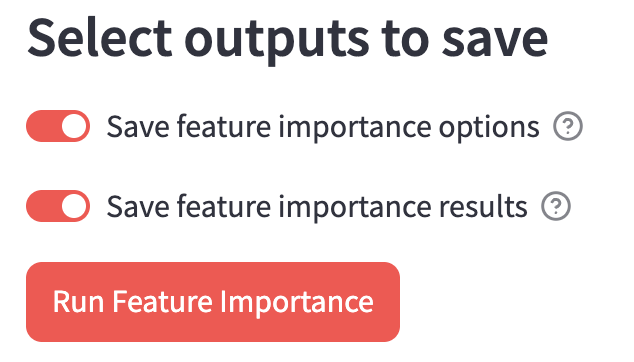
Run the analysis
Press the “Run Feature Importance” button to run your analysis. Be patient as this can take a little more time than the model training.